Faster conversions. Zero data retention.
FileVit combines native WebAssembly client-side execution with secure sandboxing, giving you desktop-speed utilities directly in your browser.
Engineered for Speed
Process documents instantly with client-side WebAssembly acceleration. Large PDFs and multi-image batches convert in milliseconds without queue bottlenecks.
Privacy by Design
Protected with TLS 1.3 encryption and zero permanent file storage. Your files are processed securely in isolated memory and automatically purged after 60 minutes.
Common Use Cases
Compress resumes for job portal file size caps, batch reformat Apple HEIC photos to universal JPG, and optimize graphics for Google Core Web Vitals.
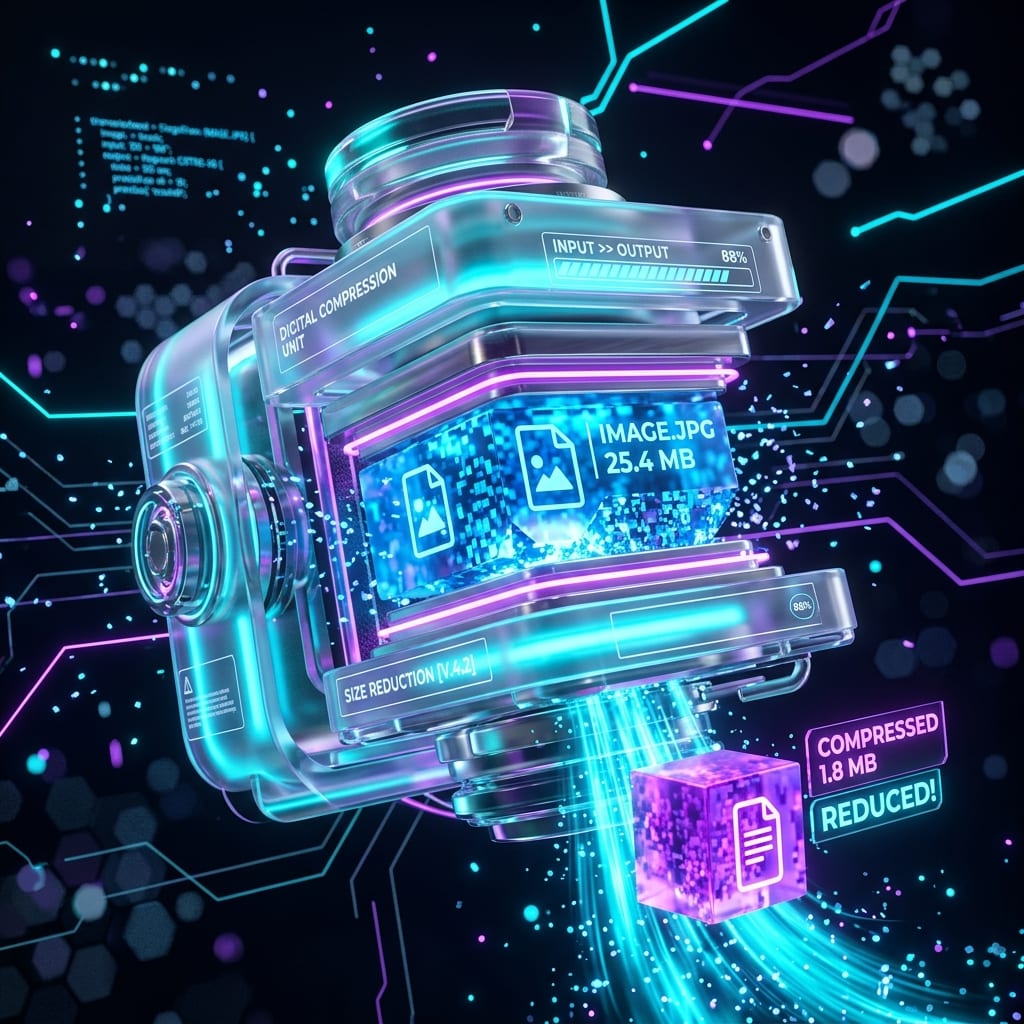
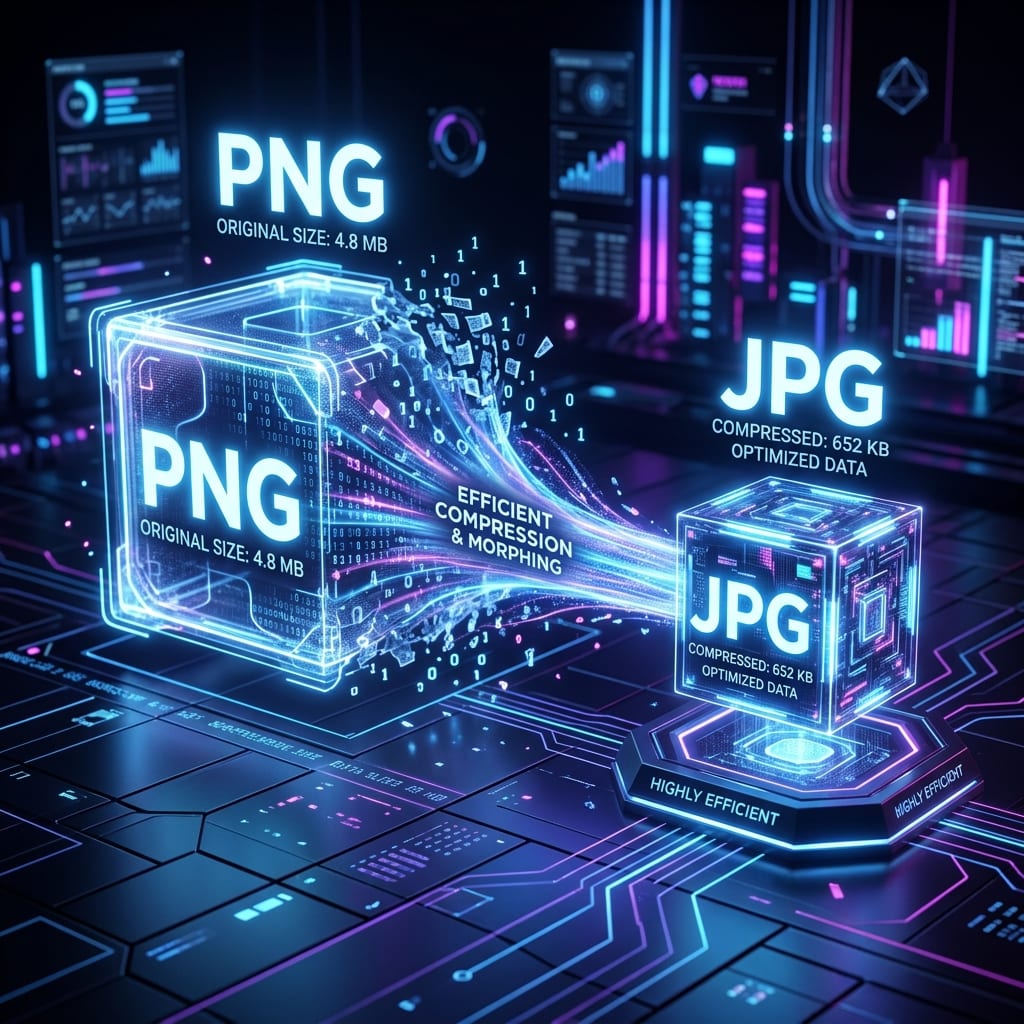
Image editing made simple and secure
Crop with custom aspect ratios, compress down to specific KB targets, and standardize exotic camera formats into high-compatibility JPG or WebP.
Explore Image Tools →How to Convert Files
Transform, compress, and reformat your media assets in seconds.
Choose Your Files
Drag and drop any PDF or image files directly into the quick dropzone or click to browse local files.
Select Format or Quality
Pick your target specification—choose WebP, JPG, PNG, PDF, or adjust target compression quality.
Download Converted Assets
Receive instant download links or grab an automated zip package. Files are wiped automatically in 60 minutes.
Frequently Asked Questions
Find quick answers about FileVit's privacy, file handling, and free capabilities.
Is FileVit completely free to use?
Yes, 100% free with no hidden paywalls, subscriptions, or credit card requirements. All tools including PDF compression, conversions, page organizing, and image editing are accessible to everyone without caps.
Are my files safe and private?
Security and privacy are fundamental principles at FileVit. Operations occur either directly within your local browser or across isolated temporary sessions with TLS 1.3 encryption. Files are never shared, tracked, or retained, and are permanently wiped after 60 minutes.
Which file formats are supported?
We support all major document and media formats including PDF, JPG, PNG, WEBP, AVIF, HEIC, and SVG across conversion, compression, resizing, and rotation operations.
Do I need to install any software or plugins?
No software, extensions, or account setups are required. FileVit runs natively on any modern desktop, tablet, or smartphone browser (Chrome, Safari, Firefox, Edge).
What is the maximum file size limit?
You can upload and process files up to 100MB per file with no daily usage limits or speed throttling.
Everything you need to work with your files.
FileVit is your all-in-one toolkit for editing PDFs and converting images. Secure, fast, and completely free to use with zero setup required.